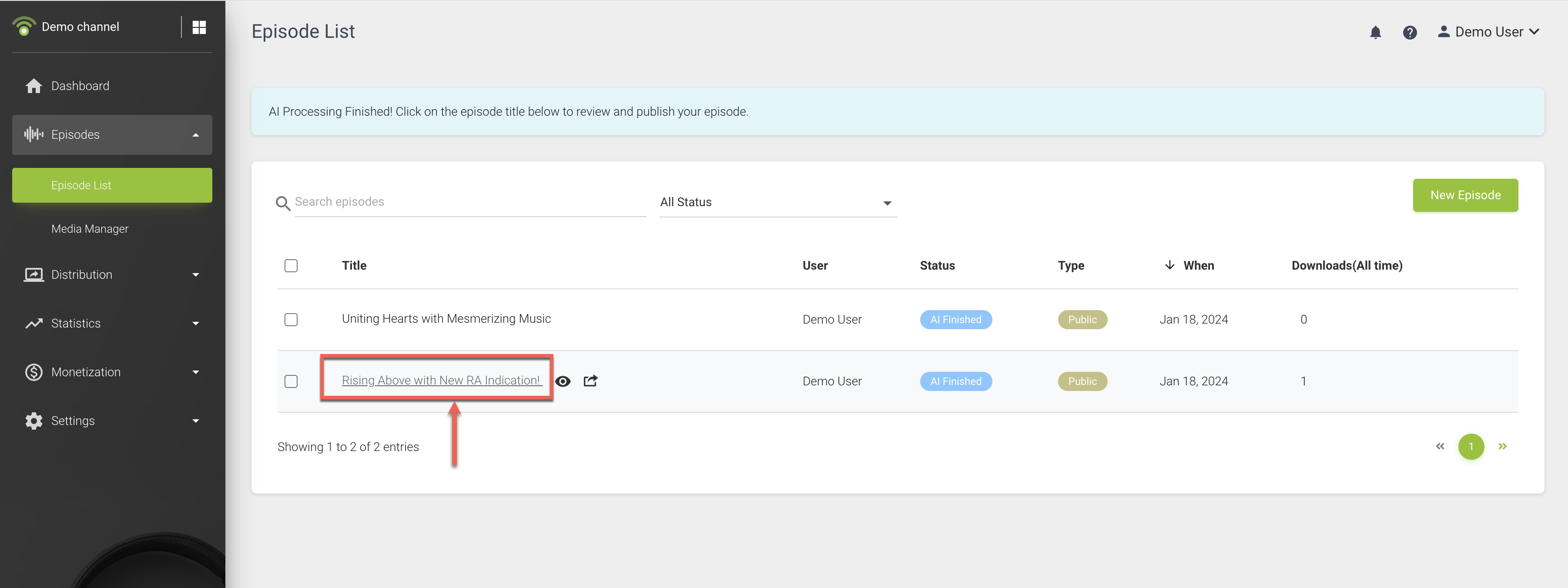
After publishing an episode with AI Content Assistant, you’ll receive an email notification once AI processing is complete. The processing status is also available on the Episode List page.
Once the AI processing is complete, you can click on the episode title for reviewing and customizing the episode.
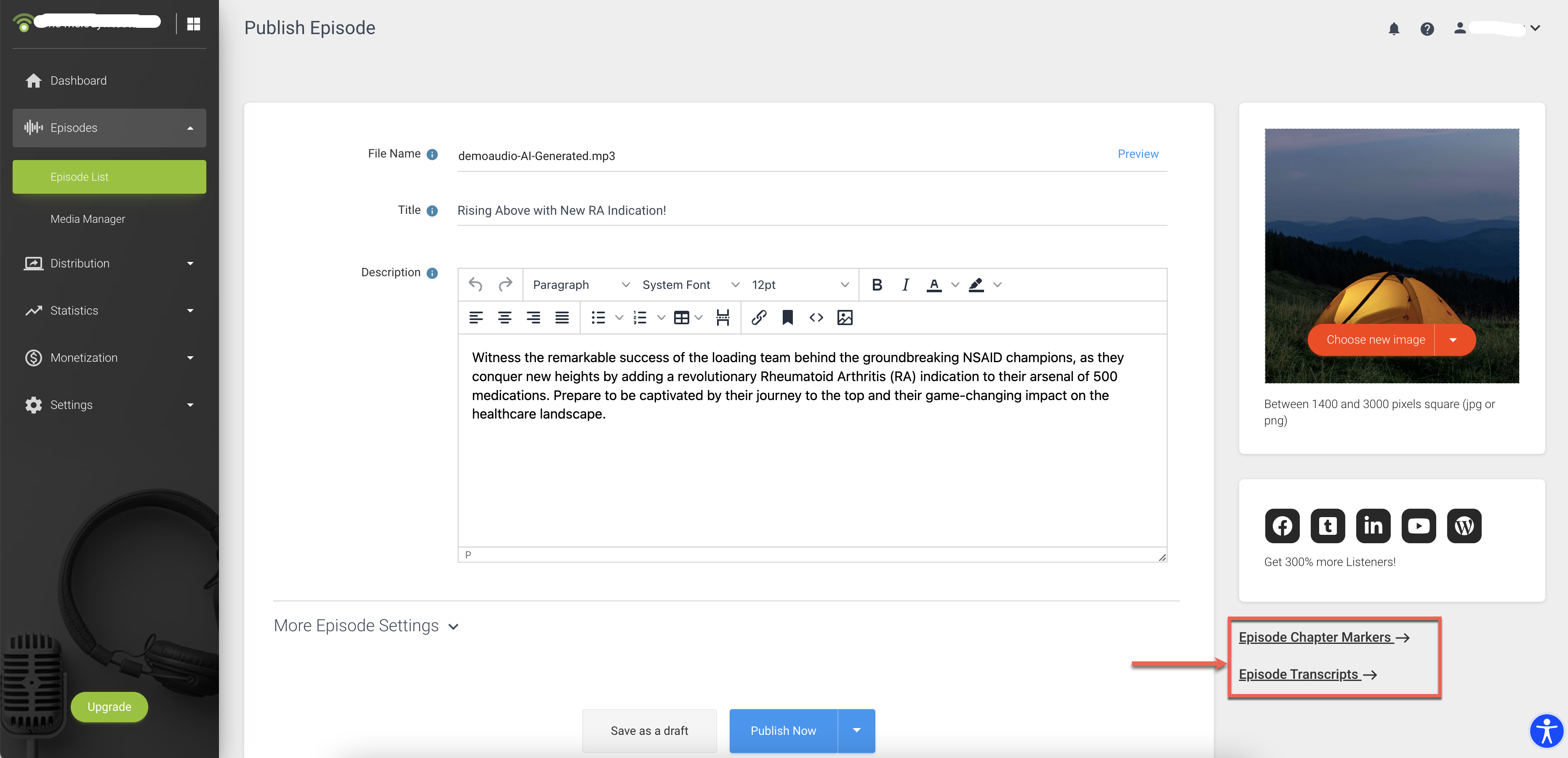
- Click "More" next to the Title to select your preferred episode title.

- Review the episode description generated by AI.

- Check and make any necessary adjustments to chapter markers and the transcript.
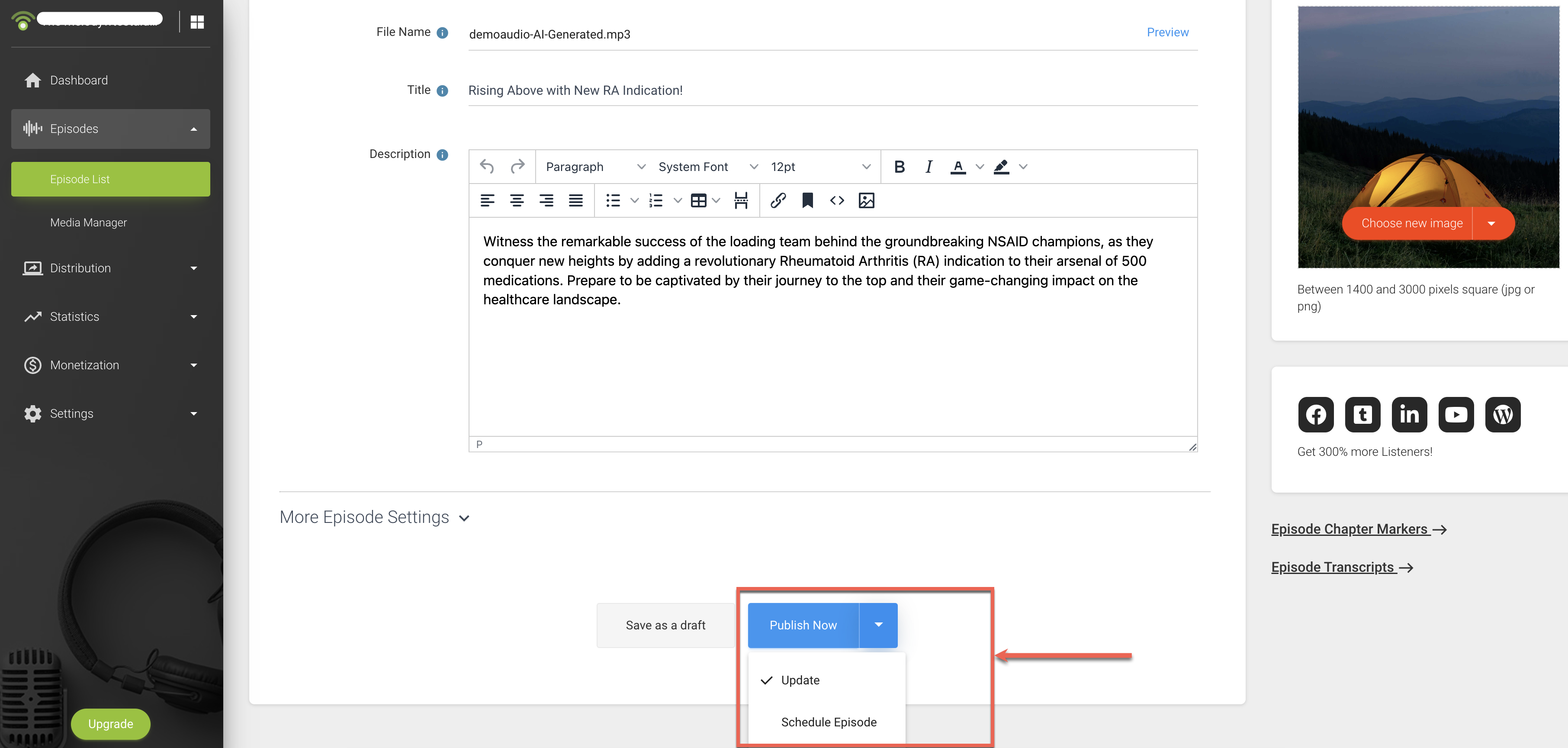
- Once everything is set, you have the option to either publish immediately or schedule the release.