- How do I replace a voice across multiple paragraphs?
- How do I apply a voice to selected paragraphs?
- How do I select multiple paragraphs?
- How do I select all paragraphs at once?
Learn how to efficiently select paragraphs and apply voices using keyboard shortcuts.
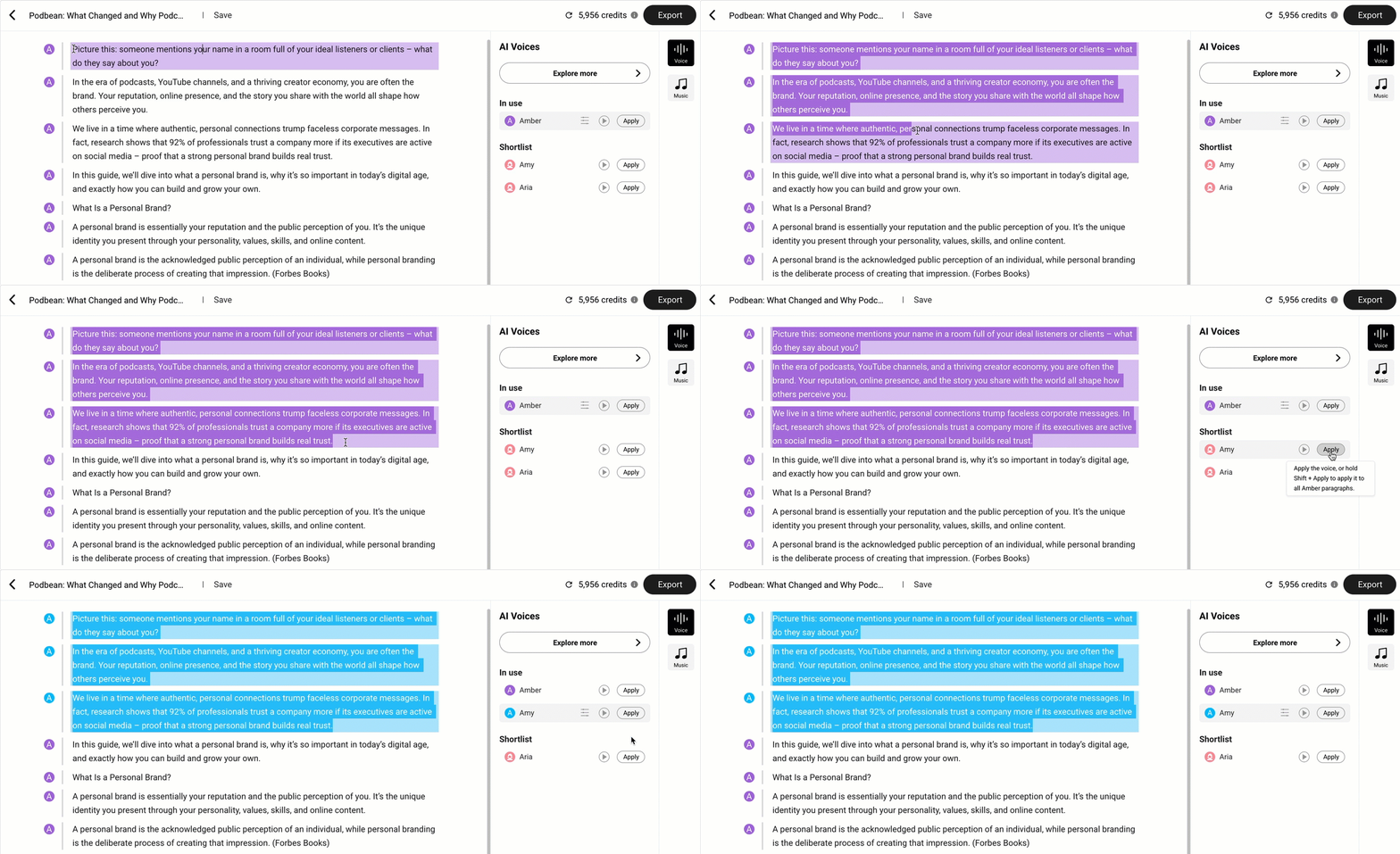
How do I replace a voice across multiple paragraphs?
Hold Shift and click Apply
Apply the selected voice to every paragraph that originally used the same voice as the selected paragraph.

How do I apply a voice to selected paragraphs?
Click Apply to apply the selected voice to the currently selected paragraph(s).
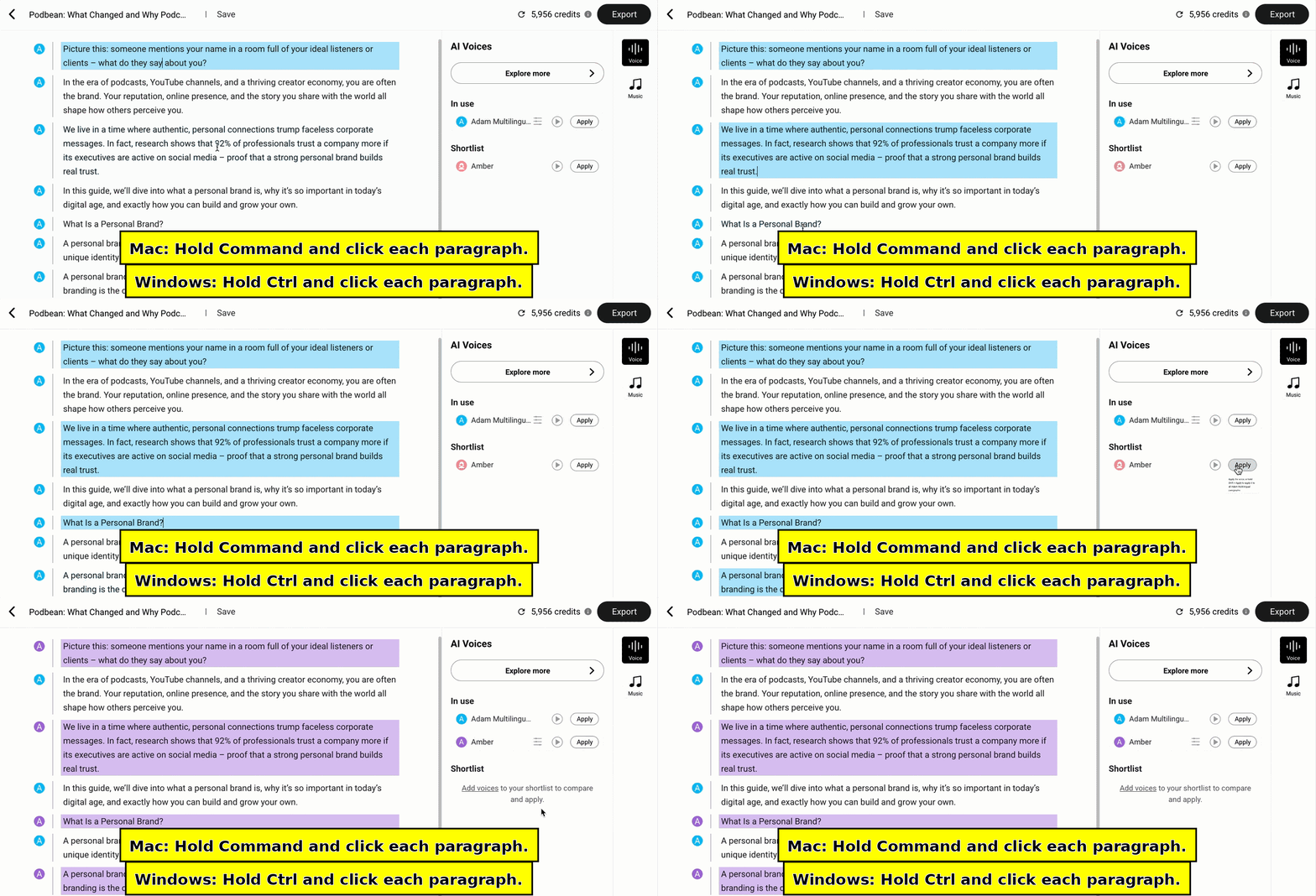
How do I select multiple paragraphs?
Mac: Hold Command and click each paragraph.
Windows: Hold Ctrl and click each paragraph.
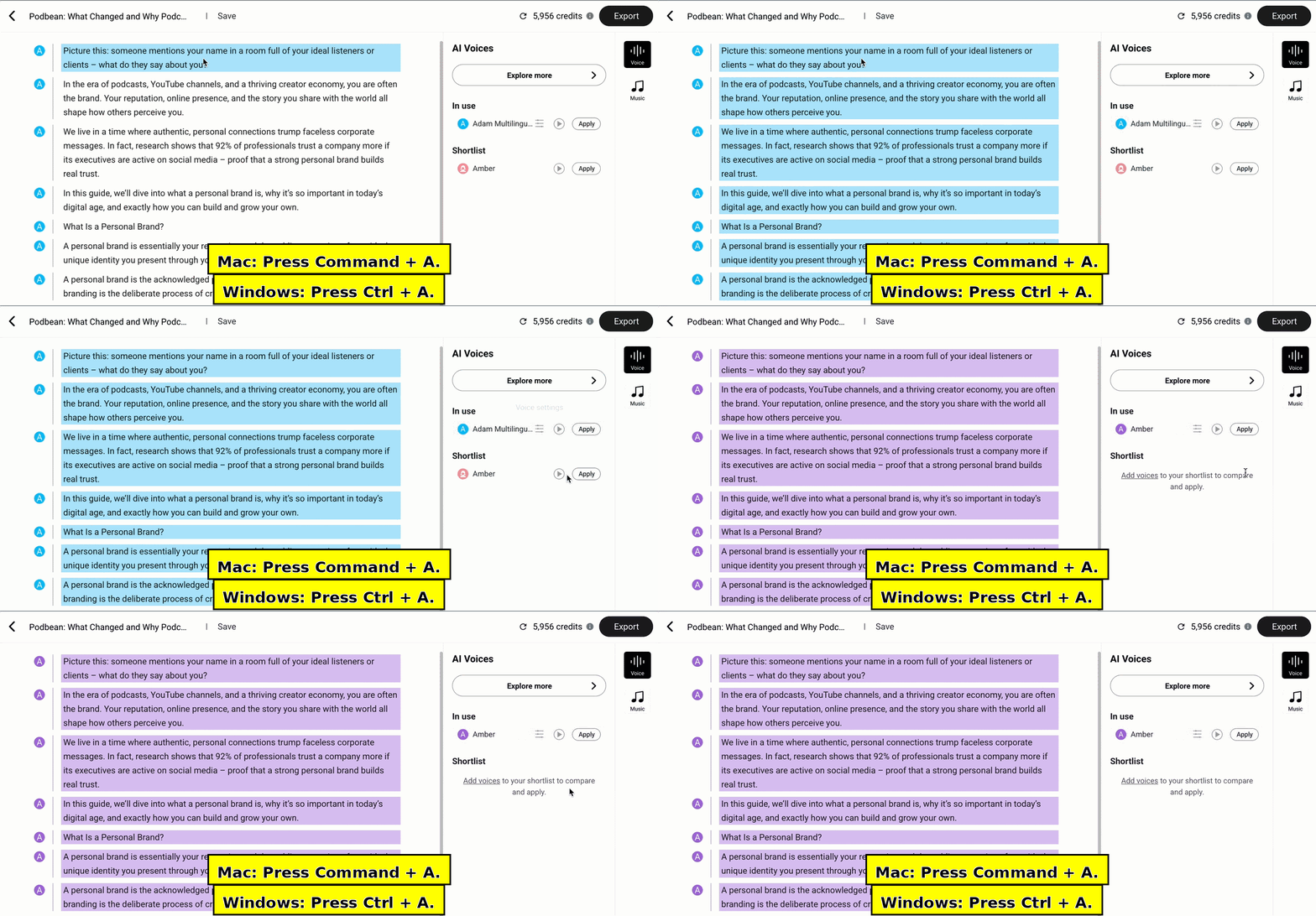
How do I select all paragraphs at once?
Mac: Press Command + A.
Windows: Press Ctrl + A.